Overview
FlowTrigger is an Android app that sends HTTP requests directly from your phone to automation platforms. No accounts, no intermediary server, no data collection — you paste a URL and FlowTrigger fires requests straight to it.
Four trigger types
A trigger is a signal that starts your automation workflow. FlowTrigger supports four trigger types, each for a different automation scenario:
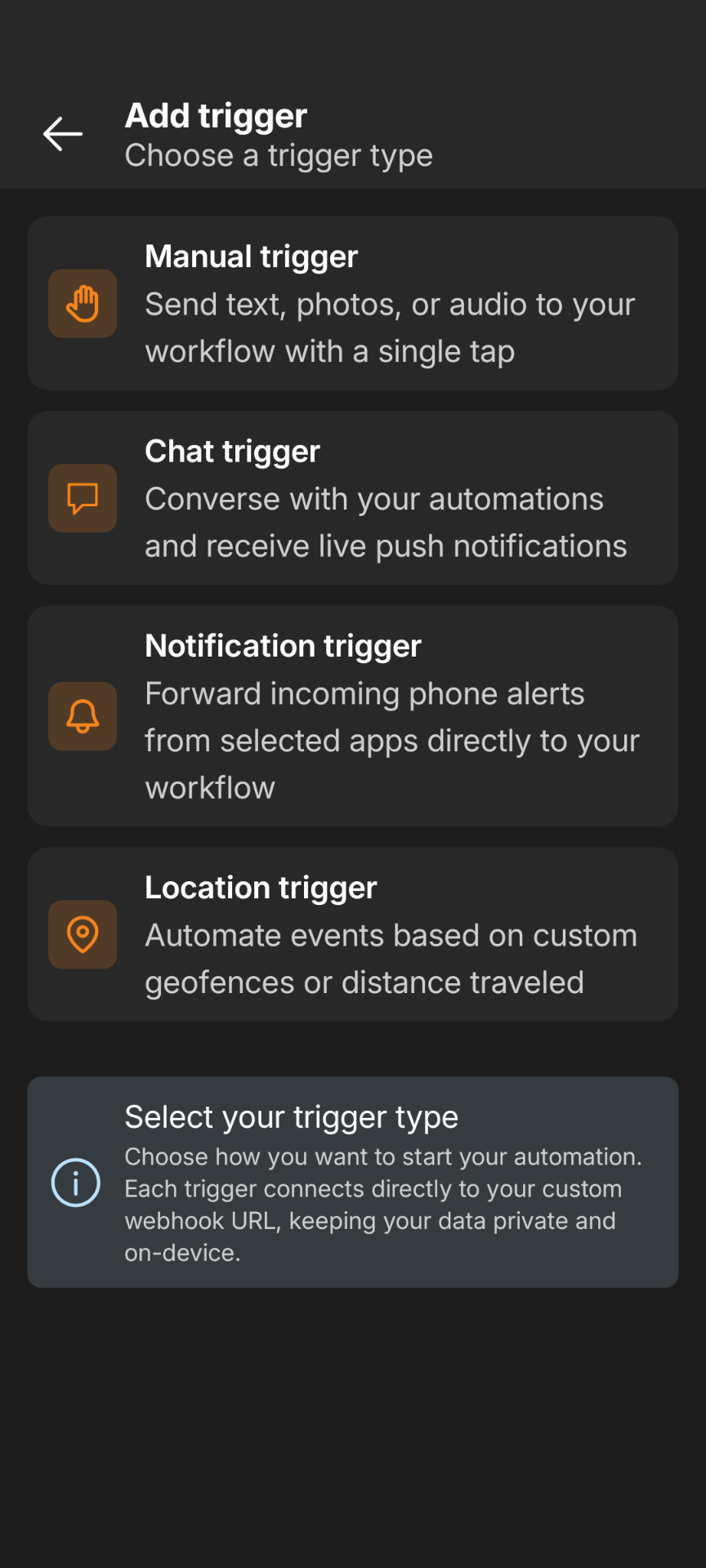
- Manual Trigger — Press a button to fire a webhook. Attach text (typed or voice-to-text), photos, or audio recordings. Add a home screen widget for one-tap execution.
- Chat Trigger — Conversational chat interface that communicates with an LLM hosted in your automation workflow. Supports push notifications for asynchronous responses.
- Notification Trigger — Automatically forwards notifications from selected phone apps to your webhook. Runs in the background. (Premium)
- Location Trigger — Fires webhooks when you enter or leave geographic zones, or tracks your position at distance intervals. (Premium)
Click any trigger above to see what data the app sends to your automation.
Common trigger configuration
Each trigger has quick and advanced setup options.
Quick setup covers only the required fields. The specifics differ per trigger type — see the trigger documentation linked above.
Advanced setup exposes the full HTTP request: method, headers, authentication, JSON body fields, and field renaming. It works the same for every trigger type.
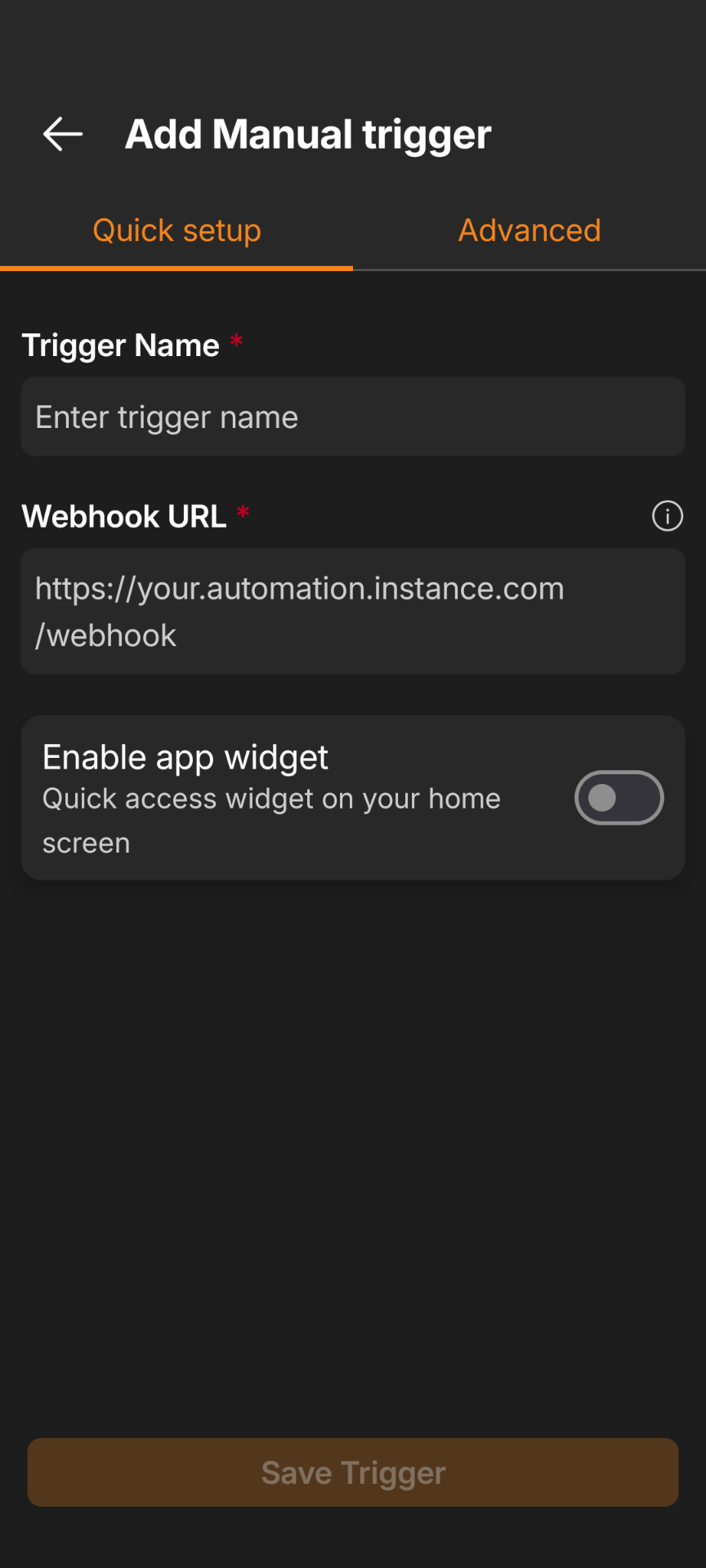
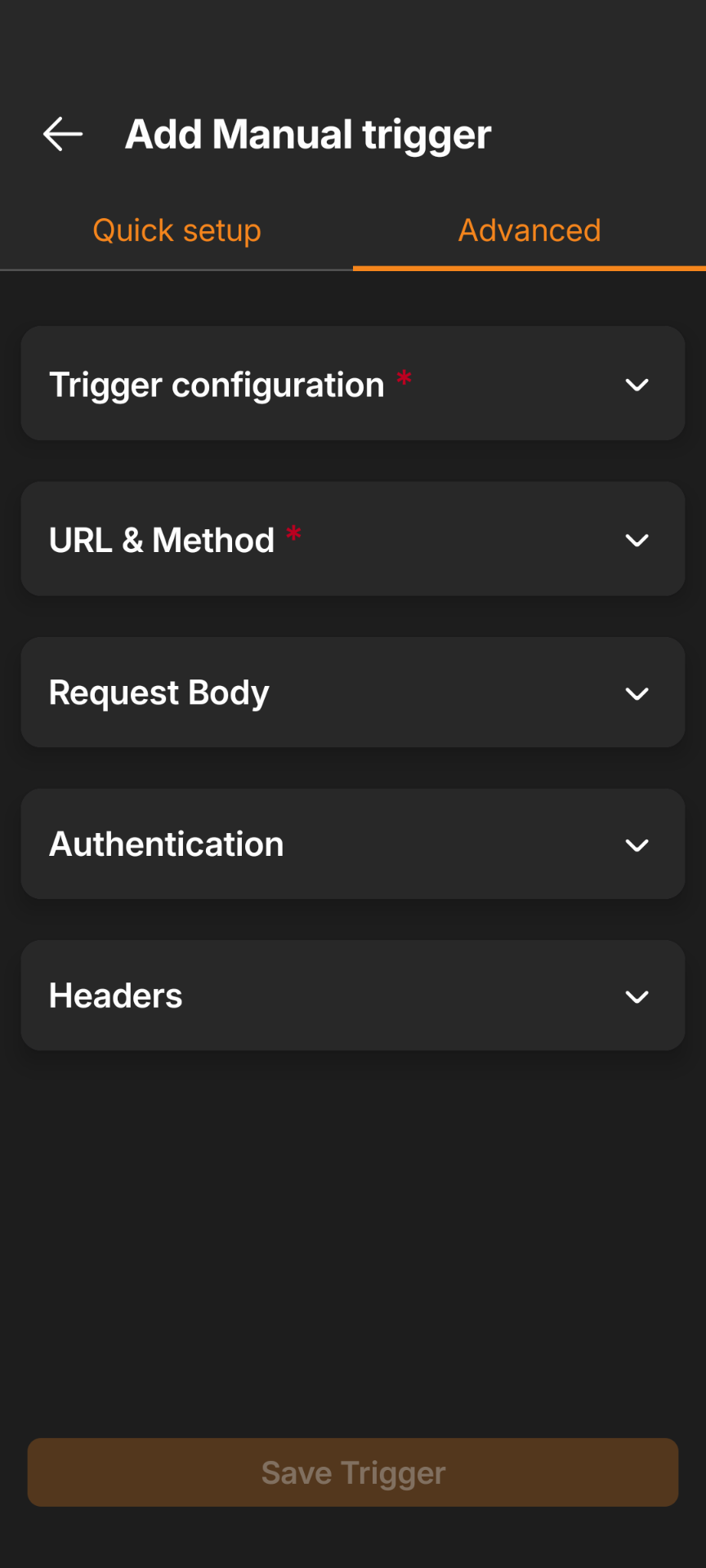
For each trigger you can set:
- HTTP method,
- request timeout,
- rename JSON keys sent by the trigger,
- add your own JSON keys and values,
- add your own headers,
- Authentication:
- Basic Auth — Username and password, sent as a standard
Authorization: Basicheader. - Header Auth — Custom header name and value (e.g.,
X-API-Key: your-secret-key). Works for API keys, bearer tokens, or any custom scheme.
- Basic Auth — Username and password, sent as a standard
Activity log
Every trigger keeps an activity log of its past requests. Tap an entry to see the full request, response, and raw execution data — you can copy any of it, or retry a failed request.
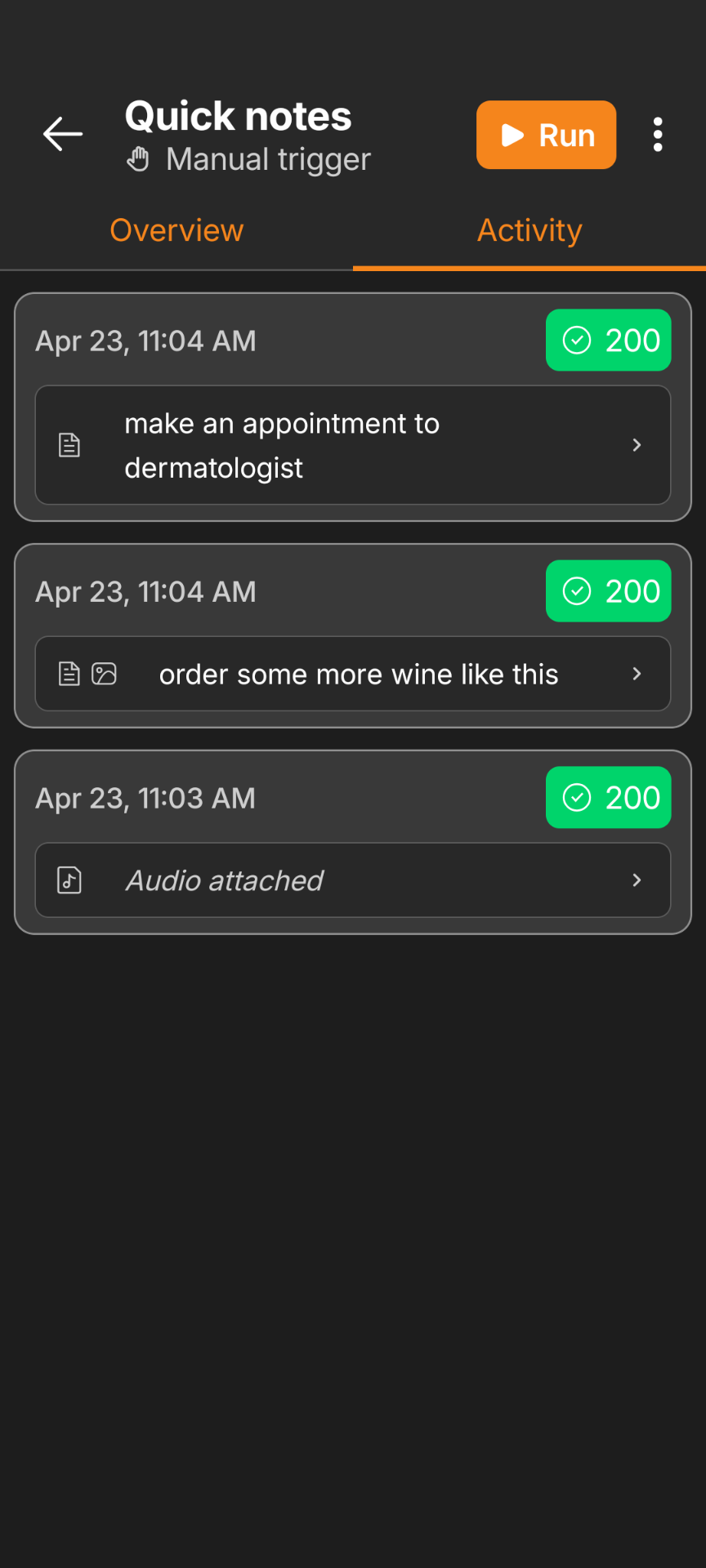
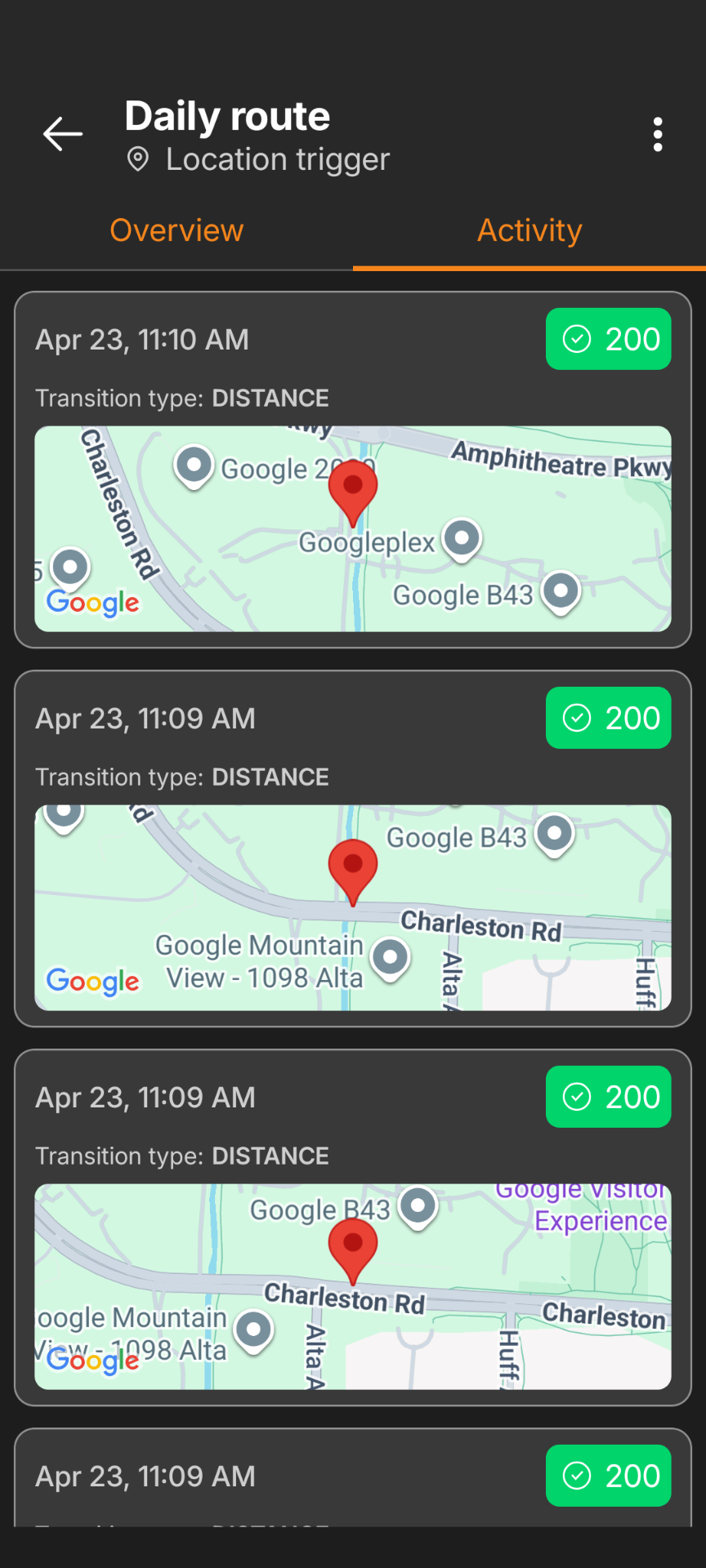
Failed requests include a troubleshooting link with common causes and fixes.
No internet? Requests are queued offline and sent automatically once the connection returns. Applies to manual, notification, and location triggers.
What platforms does FlowTrigger work with?
Any platform that provides a webhook URL:
- n8n — Cloud or self-hosted. Use the Webhook node.
- Make — Use the Custom Webhook module.
- Custom endpoints — Any server, API, or cloud function that accepts HTTP requests.